20 Best Free AI Tools for Teachers in 2026 | Teachers Guide
Introduction
Artificial Intelligence (AI) is transforming the education system. Teachers can now use AI-powered tools to prepare lesson plans, create worksheets, generate presentations, design educational videos, prepare quizzes and develop creative classroom activities.
In the past, teachers spent considerable time preparing teaching materials manually. Today, AI tools can help reduce preparation time and support more engaging learning experiences.
Whether you are a primary school teacher, secondary school teacher, subject teacher or school administrator, these AI tools can make your teaching activities easier and more effective.
In this article, Teachers Guide introduces 20 useful AI tools that teachers can explore to improve their teaching and classroom practices.
20 Best Free AI Tools for Teachers
1. ChatGPT – Your Personal AI Teaching Assistant
ChatGPT helps teachers prepare educational content quickly and creativity.
Important Uses:
- Generate lesson plans for all subjects.
- Prepare question papers and multiple-choice questions.
- Create classroom activities and homework.
- Explain difficult concepts in simple language.
- Prepare speeches, essays, and stories.
- Generate worksheets and teaching ideas.
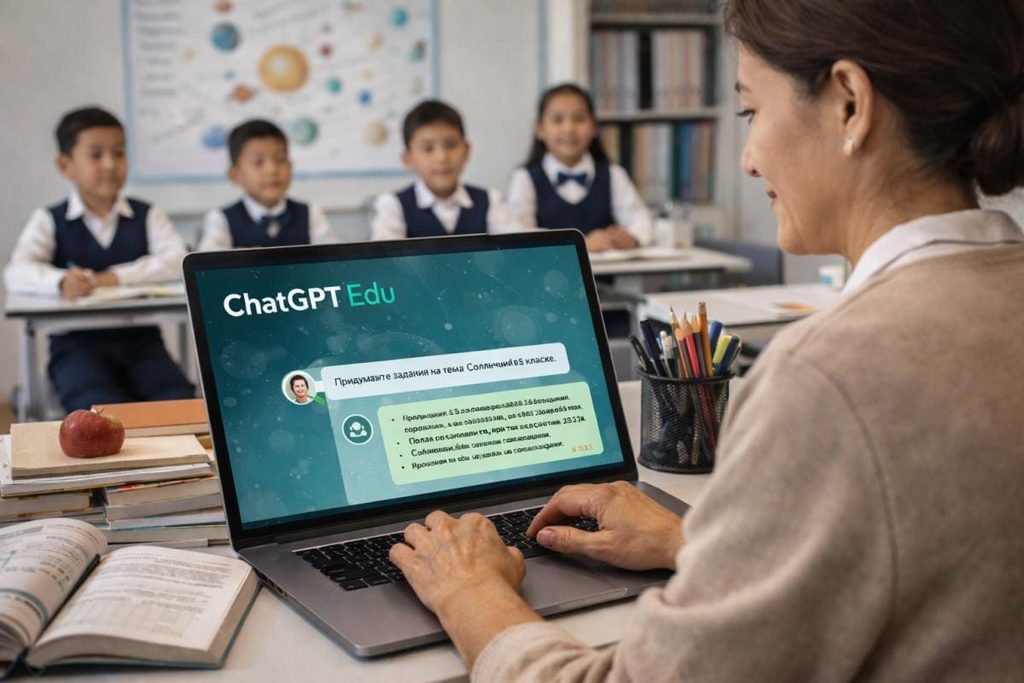
“Prepare a 45-minute model lesson plan for class 5 English according to the AP SCERT syllabus. Include learning outcomes, teaching-learning activities, TLM, assessment and Homework.”
Website: Visit ChatGPT
2. Google Gemini – AI Assistant For Education
Gemini is Google’s AI Assistant. Teachers can use it to develop teaching materials and explore new educational ideas.
Important Uses:
- Create lesson plans.
- Generate quizzes and worksheets.
- Simplify text books topcs.
- Prepare classroom presentations.
- Generate creative writing activities.
- Brainstorm teaching strategies.
Website: Visit Google Gemini
3. Canva for Education – Create Attractive Teaching Materials
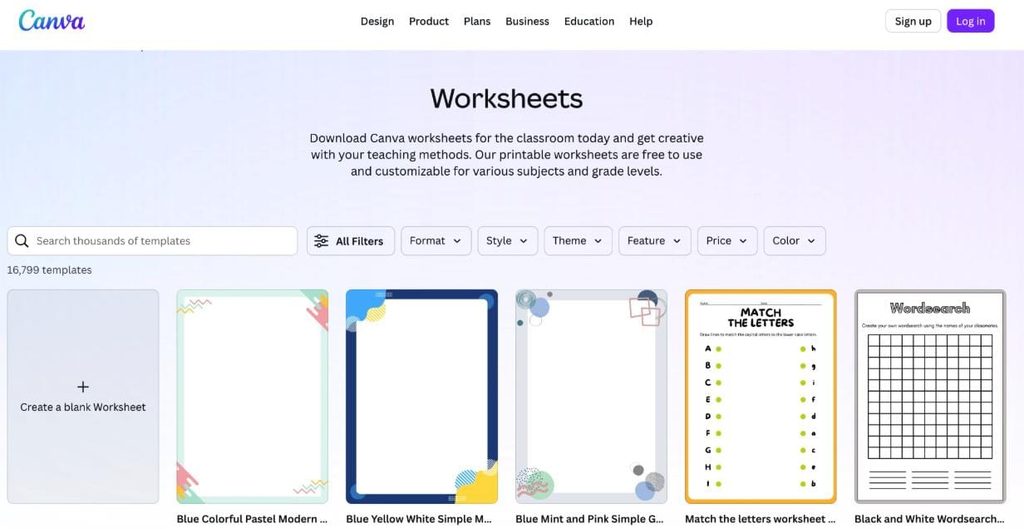
Canva is a popular design platform that helps teachers create attractive educational resources.
Important Uses:
- Design classroom posters.
- Create Powerpoint presentations.
- Prepare worksheets.
- Design certificates.
- Create educational inforgraphics.
- Prepare YouTube thumbnails.
Eligible K-12 educators can access Canva for Education at no cost after verification.
Website: Visit Canva for Education
4. MagicSchool AI – Complete AI Toolkit for Teachers
Magicschool provides serveral AI-powered tools designed for educational purposes.
Important Uses:
- Generate lesson plans.
- Create rubrics.
- Prepare assessments.
- Generate multiple-choice questions.
- Develop differentiated learning materials.
- Prepare student feedback.
Website: Visit MagicSchool AI
5. Microsoft Copilot – AI Support for Teachers
Microsoft Copilot helps teachers generate and improve educational content.
Important Uses:
- Prepare educational notes.
- Generate ideas for classroom activities.
- Create question banks.
- Summarize educational information.
- Improve written communication.
- Support presentation preparation.
Website: Visit Mircrosoft Copilot
6. NotebookLM – Learn from Your Documents
NotebookLM is useful for teachers who work with textbooks, PDFs, notes and reference documents.
Important Uses:
- Summarize textbook chapters.
- Ask questions about uploaded documents.
- Prepare Study Guides.
- Generate frequently asked questions.
- Organize educational notes.
- Create audio overviews.
Website: Visit NotebookLM
7. Magic Write – AI Writing Assistant
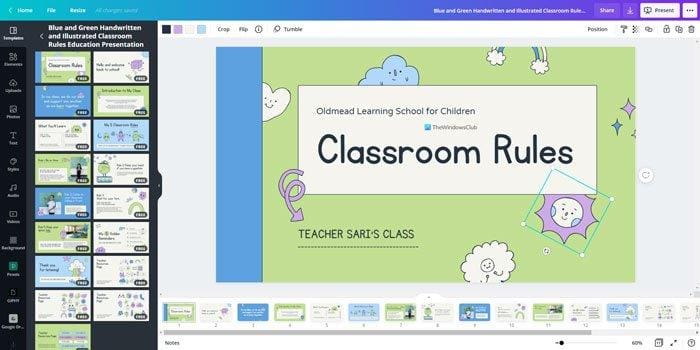
Magic Write is Canva’s AI writing feature.
Important uses:
- Write classroom instructions.
- Prepare speeches.
- Generate educational stories.
- Write school announcements.
- Prepare activity descriptions.
- Develop educational content.
Website: Visit Canva
8. Grammarly – Improve English Writing
Grammarly helps teaches improve English grammar, spelling and sentence clarity.
Important Uses:
- Correct grammar mistakes.
- Improve sentence structure.
- Check spelling.
- Improve email writing.
- Review educational articles.
- Make written communication clearer.
Website: Visit Grammarly
9. QuillBot – Writing and Paragraph Tool
QuillBot helps teachers improve the clarity and readability of their content.
Important Uses:
- Rephrase sentences.
- Summarize long passages.
- Check grammar.
- Simplify difficult paragraphs.
- Prepare readable educational notes.
Website: Visit QuillBot
10. Difft – Create Worksheets and Reading Materials
Difft is particularly useful for teachers who want to prepare learning materials at different reading levels.
Important Uses:
- Generate reading passages.
- Prepare comprehension questions.
- Create vocabulary activities.
- Adapt reading materials.
- Develop different worksheets.
- Prepare student-friendly learning resources.
Website: Visit Diffit
11. Brisk Teaching – AI Tools for Classroom Activities.
Brisk Teaching provides AI features that support teachers in preparing and reviewing educational materials.
Important Uses:
- Create lesson resources.
- Generate quizzes.
- Prepare feedback.
- Adapt reading materials.
- Develop teaching activities.
- Work with digital documents
Website: Visit Brisk – Teaching
12. Khan Academy – Teaching and Learning Resources
Khan Academy offers educational resources for different subjects and grade levels. Its Khanmigo teacher tools provide additional AI – supported assistance where available.
Important uses:
- Mathematics practices.
- Science learning.
- Reading resources.
- Teaching support.
- Learning activities.
- Practice exercies.
Website: Visti Khan Academy
13.Gamma – AI Presentation Marker
Gamma helps teachers create attractive presentations from a topic or written outline.
Important uses:
- Create classroom presentations.
- Generate educational slides.
- Organize lesson topics.
- Prepare visual explanations.
- Create digital learning materials.
Website: Visit Gamma
14. Perplexity AI – AI Reasearch Assistant
Perplexity helps teachers research educational topics and find supporting sources.
Important uses:
- Research educational topics.
- Find reference materials.
- Explore current developments.
- Summarize information.
- Discover useful websites.
- Prepare background notes.
Website: Visit Perplexity
15. Eduaide.Ai – AI Lesson Planning Tool
Eduaide.Ai is designed to support teachers in preparing instructional maiterials.
Important Uses:
- Create lesson plans.
- Prepare classroom activities.
- Develop assessments.
- Prepare learning resources.
- Create review activities.
Website: Visit Eduaide.Ai
16. Curipod – Interactive Classroom Lessons
Curipod helps teachers develop interactive lessons that encourage student participation.
Important uses:
- Create interactive presentations.
- Prepare classroom questions.
- Conduct polls.
- Encourage student writing.
- Organize discussions.
- Check student understanding.
Website: Visit Curipod
17. Wayground – Quiz and Assessment Platform
Wayground, formerly Quizizz, helps teachers create interactive learning activities and assessments.
Important uses:
- Prepare online quizzes.
- Conduct classroom assessments.
- Create practice activities.
- Review student performance.
- Develop interactive lessons.
- Encourage participation through games.
Website: Visit Wayground
18. ElevenLabs – AI Voice Generation
ElevenLabs offers AI-powered voice tools that can support the preparation of educational audio content.
Important use:
- Generate narration.
- Prepare audio lessons.
- Create storytelling resources.
- Develop storytelling resources.
- Support language – learning activities.
- Create voiceovers for educational videos.
Website: Visit ElevenLabs
19. CapCut – Educational Video Editing
Capcut provides video – editing features that teachers can use to prepare engaging educational videos.
Important uses:
- Edit educational videos.
- Add subtitles.
- Create short lessons.
- Add text and transitions.
- Prepare instructional clips.
- Develop learning videos.
Website: Visit Capcut
20. Twee – AI Tools for English Teachers
Twee is especially useful for English Language teachers.
Important uses:
- Create reading comprehension questions.
- Prepare vocabulary exercises.
- Generate discussion questions.
- Create grammar activities.
- Develop speaking activities.
- Prepare listening exercises.
Website: Visit Twee
6. Comparison Table – Best AI Tools for Teachers
| AI TOOLS | Best Use | Free Access |
| ChatGPT | Lesson plans and content | Yes, limited |
| Google Gemini | Teaching assistance | Yes, limited |
| Canva Education | Posters and presentations | Yes, for eligible educators |
| MagicSchool | Teacher resources | Free plan |
| Microsoft Copilot | Content creating | Yes, Limited |
| NotebookLM | PDF and document summaries | Yes, limited |
| Education Copilot | Lesson planning | Free options |
| Grammarly | Grammar Correction | Yes, basic plan |
| QuillBot | Paraphrasing | Yes, limited |
| Diffit | Worksheets | Free options |
| Brisk Teaching | Classroom resources | Free plan |
| Khan Academy | Learning resources | Yes |
| Gamma | Presentations | Yes, limited |
| Perplexity | Research | Yes, limited |
| Eduaide.Ai | Lesson Planning | Free options |
| Curipod | Interactive lessons | Free options |
| Wayground | Online quizzes | Free options |
| ElevenLabs | Voice generation | Free credits/options |
| CapCut | Video editing | Free features |
| Twee | English Activities | Free options |